
The tools changed. The thinking didn’t. How I built an interactive compliance story with AI
Stakeholders don’t just send us requests anymore. They send us finished courses.
Almost every L&D tool advertises it now: just upload a few documents and generate a complete course in minutes. And anyone who has worked with tools like Claude Design might look at the results, feel a bit uneasy, and ask:
“Am I still relevant as an instructional designer?”
These courses can look amazing. And stakeholders are genuinely proud of what they built—which is completely understandable.
But the real value of an instructional designer has always gone far beyond making something that looks and feels good. It’s the thinking behind it. It’s analyzing the data, setting a clear goal, focusing on behavior change, and designing realistic practice scenarios that help people learn what they need to do on the job, not just what they need to know.
The Challenge: Rescuing Mark’s Course
This challenge arrived at the exact right moment, addressing the very question so many IDs are currently asking and worrying about. And it proved why we shouldn’t be: because when you skip the design thinking, you get a course that looks great on the surface, but doesn’t work, doesn’t change behavior, and only contains what a stakeholder thinks people should “know” (and someone from legal or compliance usually thinks that means pages of legal text and policy paragraphs).
They’ve always needed us to translate that into real learning—and they still do.
That was the exact scenario for the eLearning Designer’s Academy October Challenge by Tim Slade: “Rescue this AI-generated compliance course.”
“It’s the final week to participate in our October Design Challenge … For this month, participants are tasked with redesigning an awful, AI-generated ‘course’ by Mark.”
Loading this embeds content from LinkedIn, which may set cookies. See privacy policy.
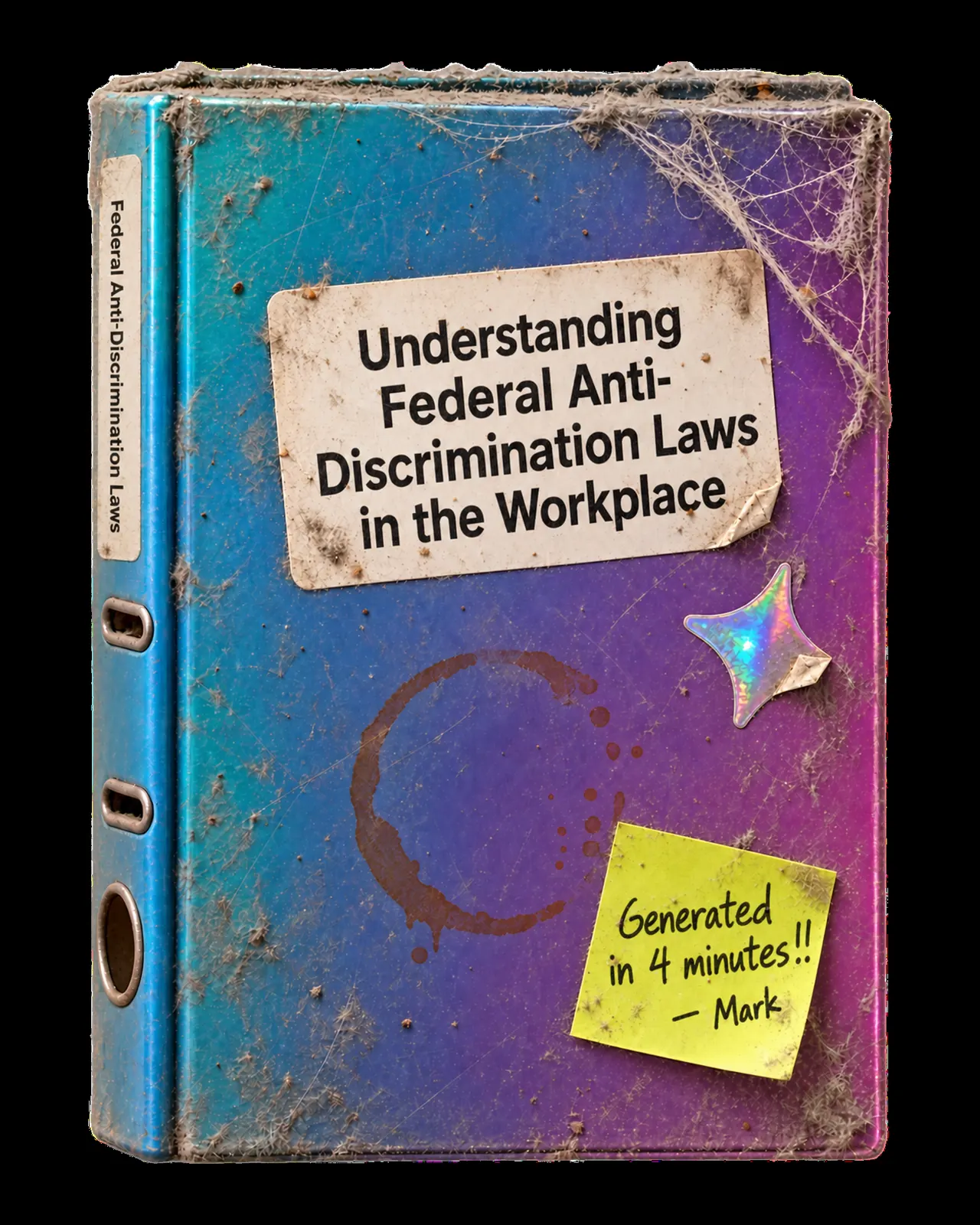
In the challenge story, Mark from HR used Articulate Rise’s new AI feature to turn the company handbook into an anti-discrimination training in record time.
Our task: take Mark’s course and redesign it into a learning experience that actually changes behavior.
My Process
1. The thinking before the build

Before I started building, the real work had to happen: the thinking.
I used AI right from the start, but not to generate slides. I used it as a brainstorming partner to dissect the problem:
- What is the actual behavior we need to change?
- What do people in this job actually face on a regular workday?
- How can we create realistic practice scenarios instead of just testing memory?
In a real-world company project, this is where you sit down with stakeholders for processes like Action Mapping: looking at real performance data, understanding why people struggle, and agreeing on measurable business goals instead of just dumping information.
That pre-work is the most critical step in the entire process. And it’s also the step that an AI course generator misses every single time.
Mark’s course built in record time
- Company handbook
- AI course generator
- Five lessons of legal text
- A quiz that tests memory
Looks great on the surface
Benjamin thinking first
- The behavior to change
- What people face on a real workday
- Realistic practice scenarios
- A story people care about
Changes what people do
Beanly Studio: A coach for the analysis and design before you build
Experiencing this gap firsthand is why I’m currently building Beanly Studio as a hobby side-project.
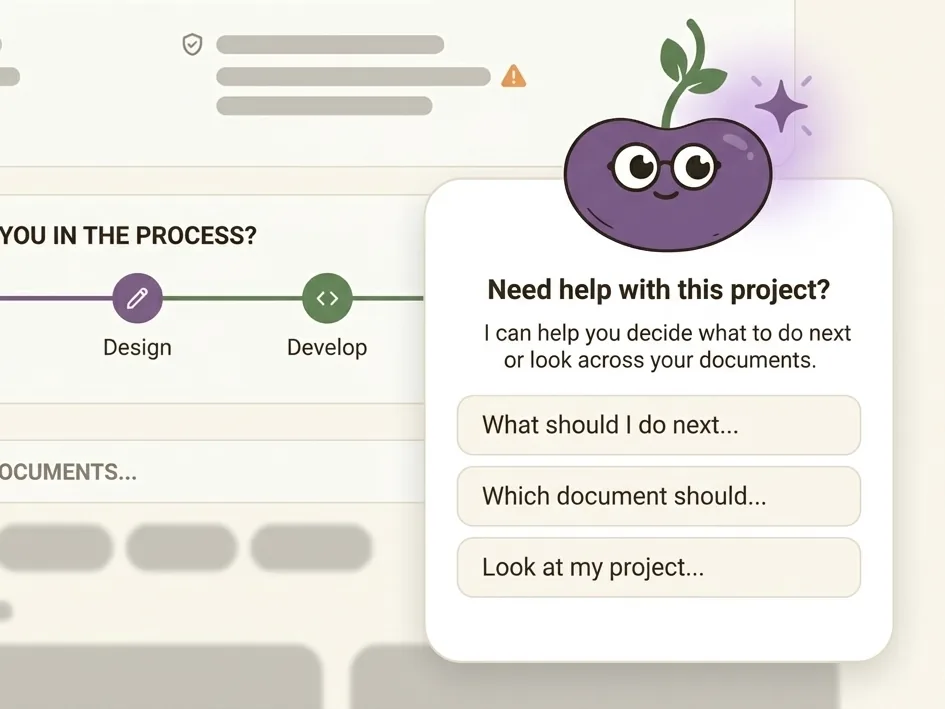
It’s a free Claude Artifact that walks you through the learning needs analysis and instructional design decisions before you build. Beanly coaches you through creating an Action Map, a design document, and a storyboard—and then turns all of that into a rich master prompt packed with real context for your AI build tools.
 Beanly StudioIn early access
Request early access & help me test Beanly Studio (opens in a new tab)
Beanly StudioIn early access
Request early access & help me test Beanly Studio (opens in a new tab)
2. The Build: Bringing the story to life
Once the learning goals and behaviors were clear, it was time to build. Instead of five lessons of legal text, I wanted a story people would actually care about.
Meet Benjamin
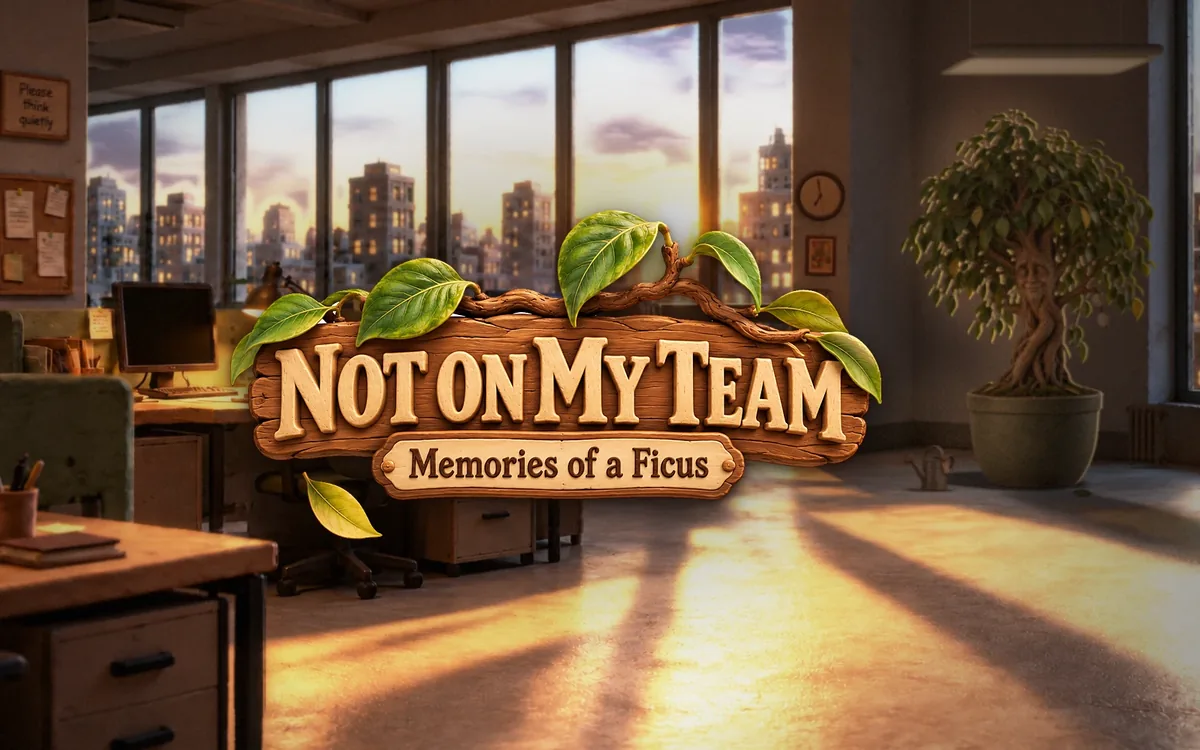
My answer to Mark’s course is Not on My Team: Memories of a Ficus.
Benjamin is an office ficus. He has been sitting in the same corner of the office for twenty-seven years. He has seen every uncomfortable comment, every dismissive look, and every meeting someone wasn’t invited to—and he never said a word.

“I’m a plant. I don’t have a voice. …You do.”
Instead of reading through legal paragraphs, learners travel back into Benjamin’s memories to make the decisions he couldn’t make:
- A pot full of sentences he overheard over the years. Leaf or compost? You decide, then you turn the leaf over.
- A 2016 stand-up meeting that you can rewind to see the moment Maria, 58, gets passed over for a project because of her age, and how to step in as a witness.
- An old office computer full of emails from 2014 to 2024 that nobody answered well. You pick the reply that should have been sent, until you finally reach inbox zero.
- A final test set in the present day, with no rewinding allowed.
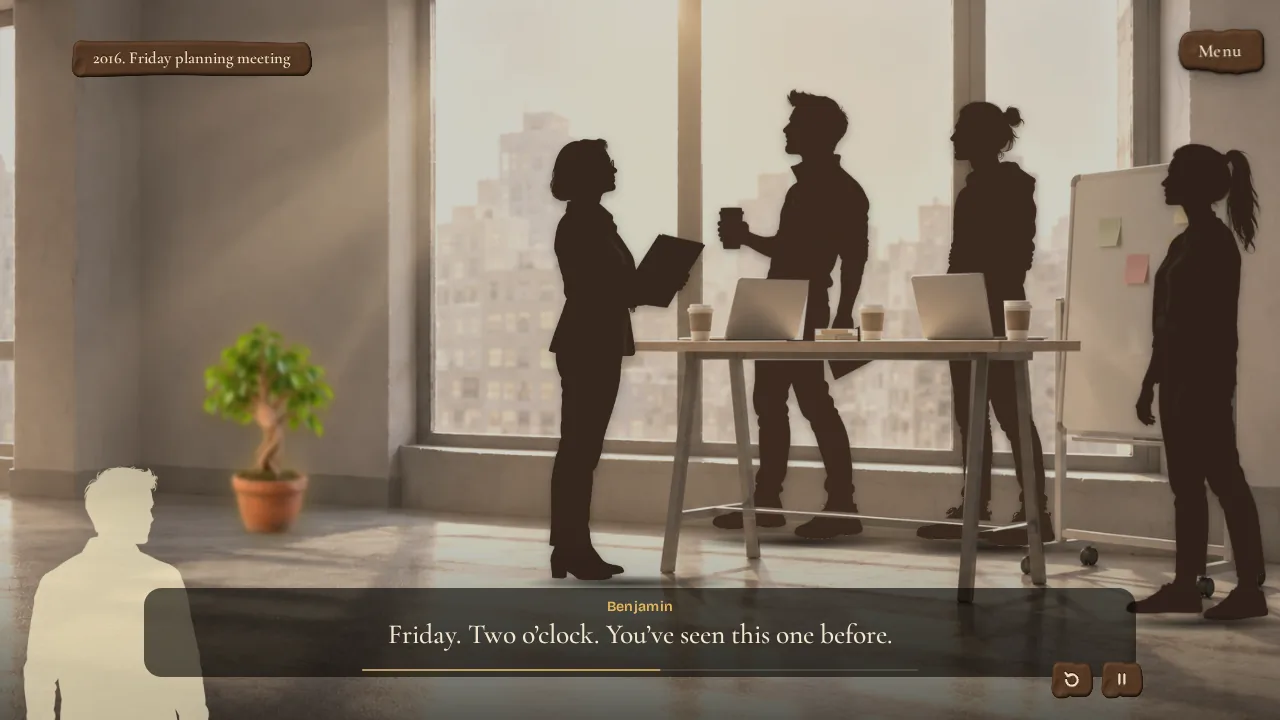
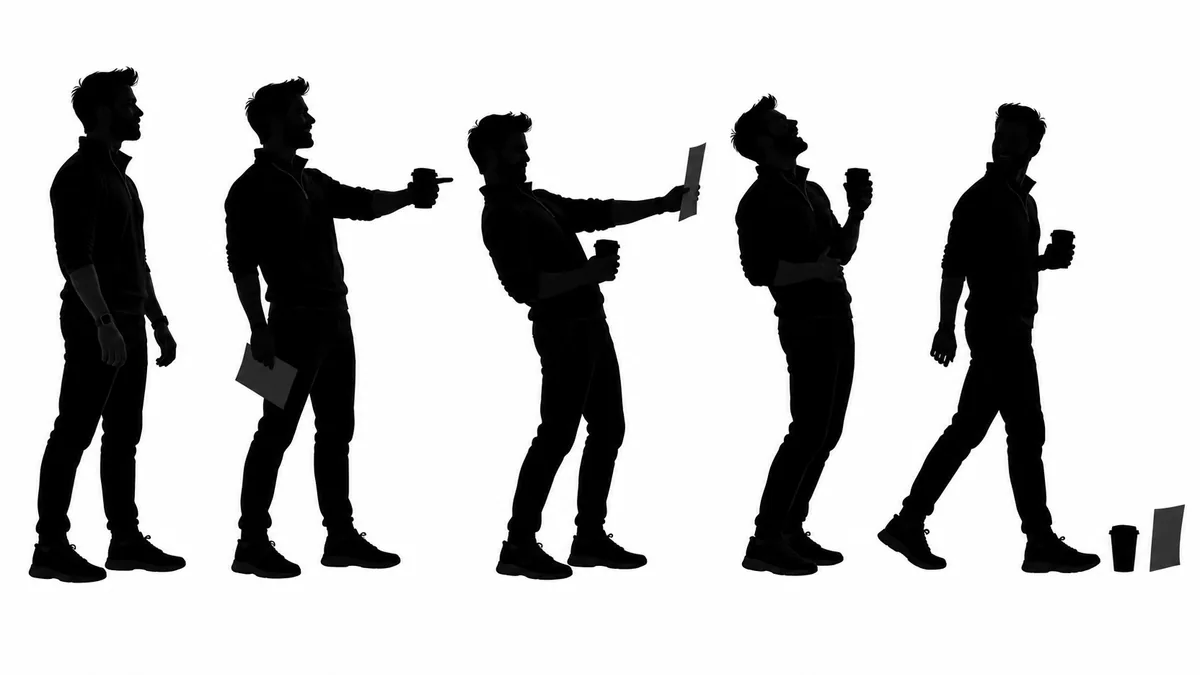
And instead of awkward, uncanny AI faces that distract learners, people only appear as silhouettes. It keeps the emotional focus entirely on the dialogue, the body language, and the behavior.
What’s inside the course
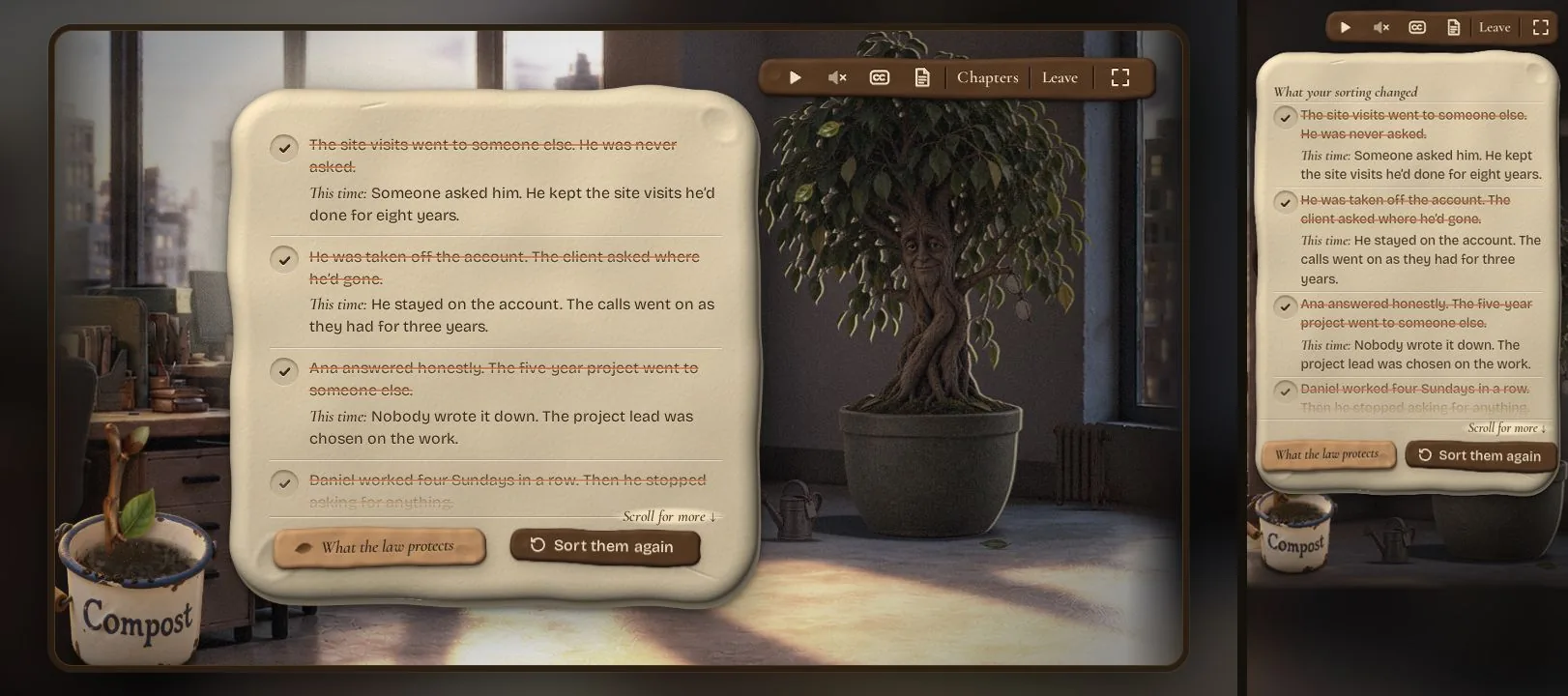
It all starts with a pot of overheard sentences. In the first chapter, “Spot it · Things I’ve overheard”, Benjamin hands you things people said in his office over the years, and you sort them: leaf or compost?
Most of them sound harmless. Then you turn the leaf over and see what the sentence decided about a person. “Can you do the site visits?” is a question about the job. “Do you have any condition that would get in the way?” is a question about someone’s health. Context decides, not the word.
If people keep only one thing from the whole course, I want it to be this question: “Is that about the work?” You don’t need to know the law to ask it.
At the end, “What your sorting changed” shows every old decision struck through, and what happens this time instead. Someone gets asked. Someone keeps their account.
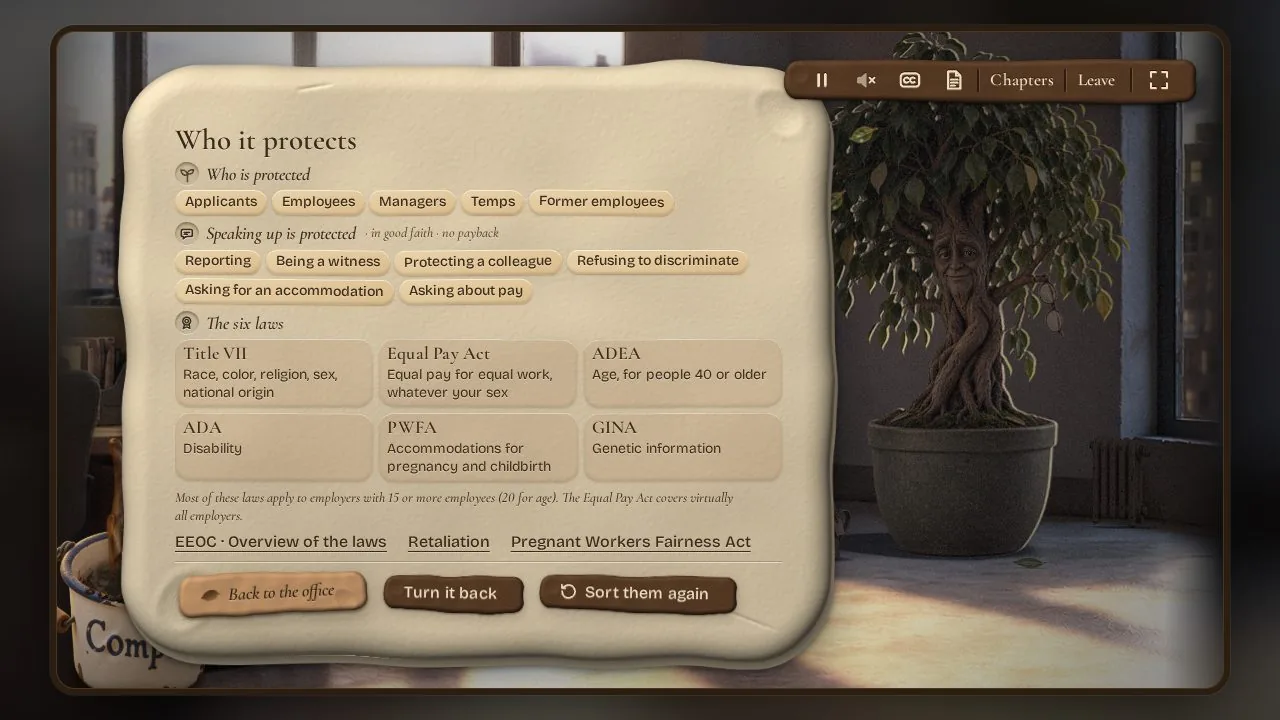
For every protected characteristic you recognized, Benjamin presses one leaf into his herbarium. Its back page, “Who it protects”, is the overview: who is covered, which kinds of speaking up are protected, and the six federal laws as small clay seals.
Here’s the rest of the design at a glance:
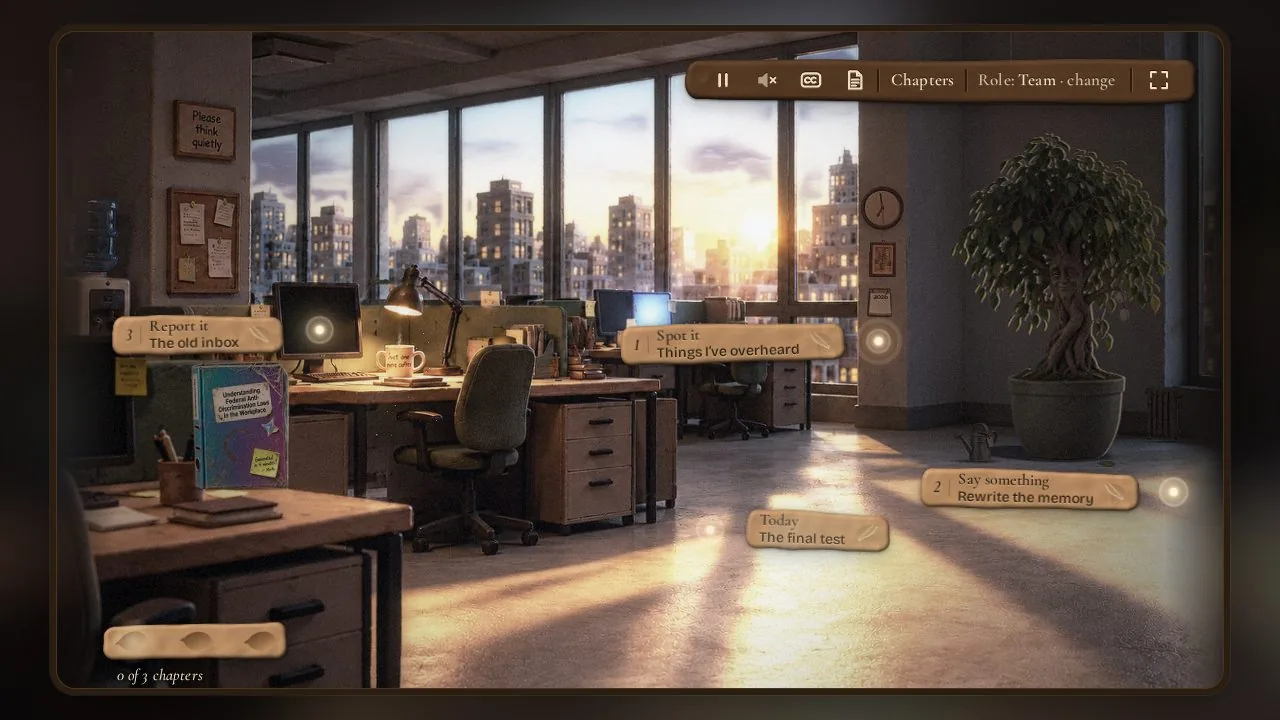
- Four behaviors, always the same names: Spot it · Say something · Report it · No payback. You’ll find them in every chapter, on every card and on the certificate.
- A card at the end of every chapter. It says in plain words what you just practiced.
- The Speak-up card. Who to tell, the EEOC deadlines, the phone numbers, and that it counts whoever it comes from. It’s one click away from every ending, prints on one page and is on the certificate too.
- Legally careful, never legal advice. Every legal statement links to a page on eeoc.gov, and the wording stays careful: “can be”, not “is”.
- Accessible, because everyone has to take it. Captions for every line, full keyboard control, visible focus, screen-reader summaries, reduced motion, and color is never the only signal.
- What I left out on purpose. No history lesson, no section numbers, no case law, and no list of every protected characteristic up front. That list comes once, at the end of Chapter 1, after you’ve already used it. And the course never claims that witnesses are legally required to report.
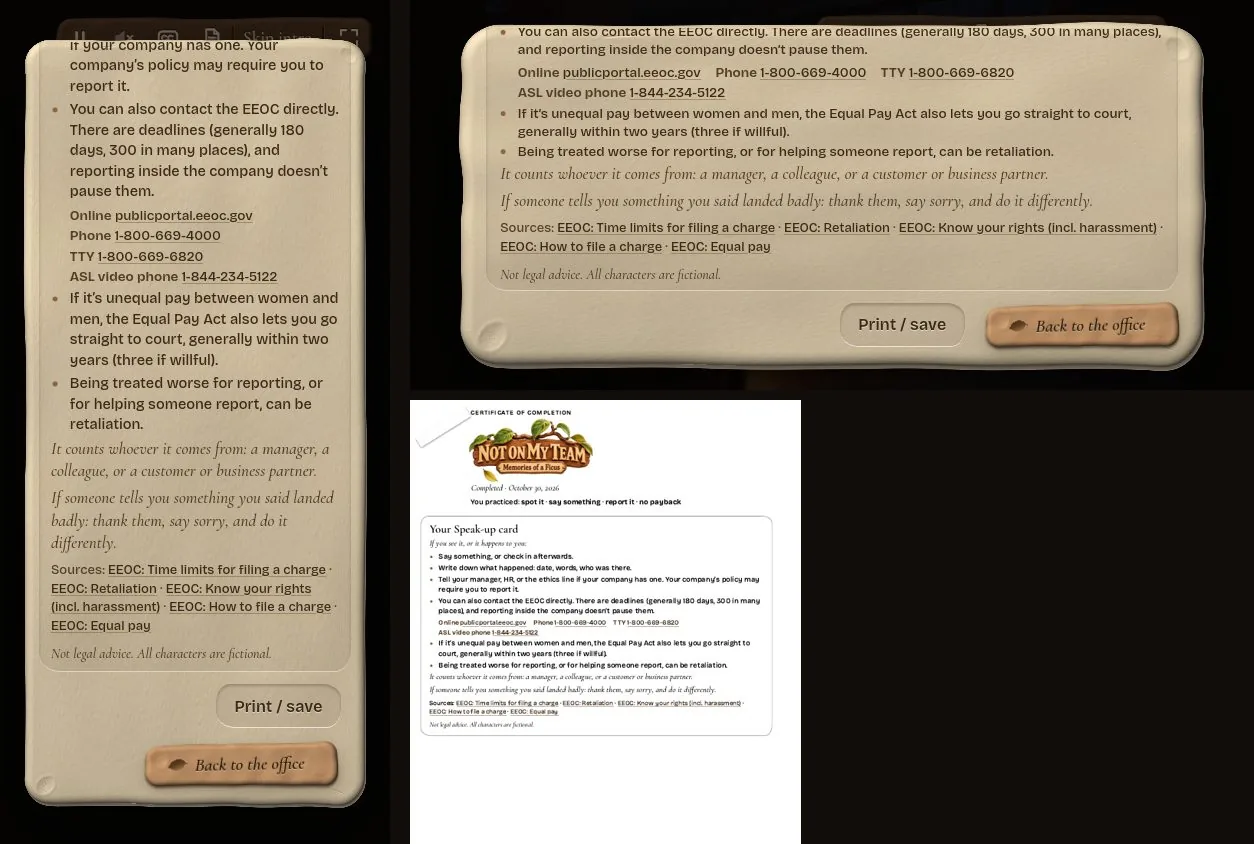
A lot of this you won’t notice while playing. That’s kind of the point.
Challenge the status quo

A lot of this came from one question I keep asking about mandatory training: does it really have to work like this? Why do I have to sit through the same course front to back every six months, flipping card after card, when I could just show that I can do it?
So Fikus lets you test out right from the menu. It’s optional, and you get one try. It’s hard but fair: get every situation right, and actually mean your answers, and you’ve completed the training. Maybe you still remember it from the last twenty times you had to take this course.
When I build a test-out, I start with three rules:
- A big question bank, sorted into categories I define up front. The categories are what people need to be able to do, not the chapters of a policy.
- Enough questions from every category. Nobody should pass by being strong in one area and lucky in the rest.
- Different questions on every attempt. A second try should bring new situations, not the ones you just learned by heart.
Fikus uses a smaller version of this. Each memory checks three skills, and for each skill the course draws a situation from a pool that fits your role, with the answers in shuffled order. You get an explanation after each answer, and there’s no timer. Since there’s only one try, the questions change from person to person rather than from attempt to attempt.
That doesn’t work for every compliance topic. Sometimes everyone really does need to go through the whole thing. But for a lot of legally required or simply boring mandatory courses, it’s a technique worth trying, as long as the test covers every topic and doesn’t become a shortcut.
The same goes for who sees what. Fikus asks for your role first: on a team, leading people, or also interviewing and hiring. People who lead get the decisions about projects, pay, reviews and references. The hiring scenes, with interview questions and job ads, only come up if you actually hire. If you don’t interview anyone, why practice interview questions?
And no flip cards, no multiple-choice quiz at the end. The last chapter is a team call in the present day, with no hints and no rewinding. Can you apply in practice what you need in practice? Then you’re done.
That’s the status quo I want to challenge: courses people sit through. I want learning to be exciting again.
Modular: The best tool for every layer
No authoring tool this time. The entire course runs as a single, lightweight HTML file right in the browser, on desktop and phone.
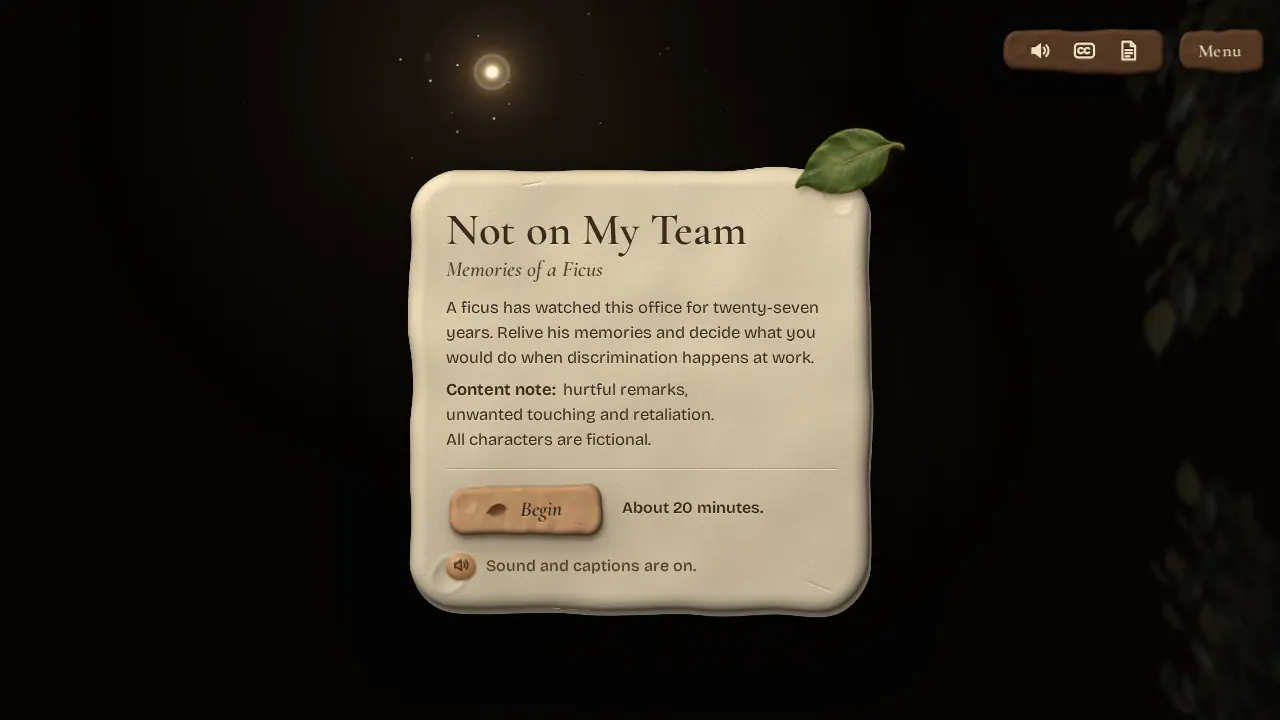
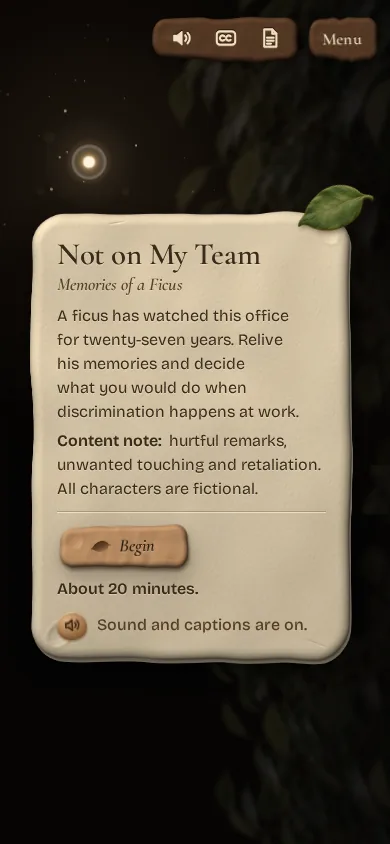
Instead of locking myself into one platform, I split the project into layers and picked the absolute best tool for each specific job:
- Claude for the concept, dialogue scripts, and writing the code.
- ChatGPT Images for the visuals—because it’s simply the best image generation model right now to create the consistent clay-style office environment, props, and character silhouettes.
- Grok for the video clips, with HyperFrames as a helper tool inside Claude Code.
- ElevenLabs (v4) for Benjamin’s voice—giving him the sound of a warm, slightly tired grandfather in his seventies who is finally speaking up.
- Code animations to tie it all together: camera movements, light pouring through the window, floating dust motes, and a ficus that talks and breathes.

The real experiment: Bots running day and night—with human direction
This was by far the most exciting—and newest—test for me in this entire project. I didn’t just use AI to generate assets. I used Grok Bot as my lead orchestrator to coordinate all the different tools and manage the build.
AI agents worked on the course day and night in scheduled sessions, each in its own lane. A shared feedback file was our digital whiteboard: Grok Bot turned tasks into tickets and only closed them with a fresh build and a screenshot.
2 weeksday and night
- MeI look at the latest build and send a voice note.
- Grok BotTurns it into a ticket in the shared feedback file and generates missing images, videos and audio with other tools: ChatGPT Images, Grok video, ElevenLabs.
- Claude Code AgentsBuild in scheduled sessions, each in its own lane.
- Grok BotCloses the ticket only with a fresh build and a screenshot.
Make no mistake: the bots didn’t run wild on their own. I directed the entire project from wherever I was, often checking in during a quick stop on a drive or between errands. I looked at the latest builds through my instructional designer lens, sent quick voice notes and screenshots, and guided the decisions: “Yes, keep that” or “The pacing is too slow here, cut that scene.”
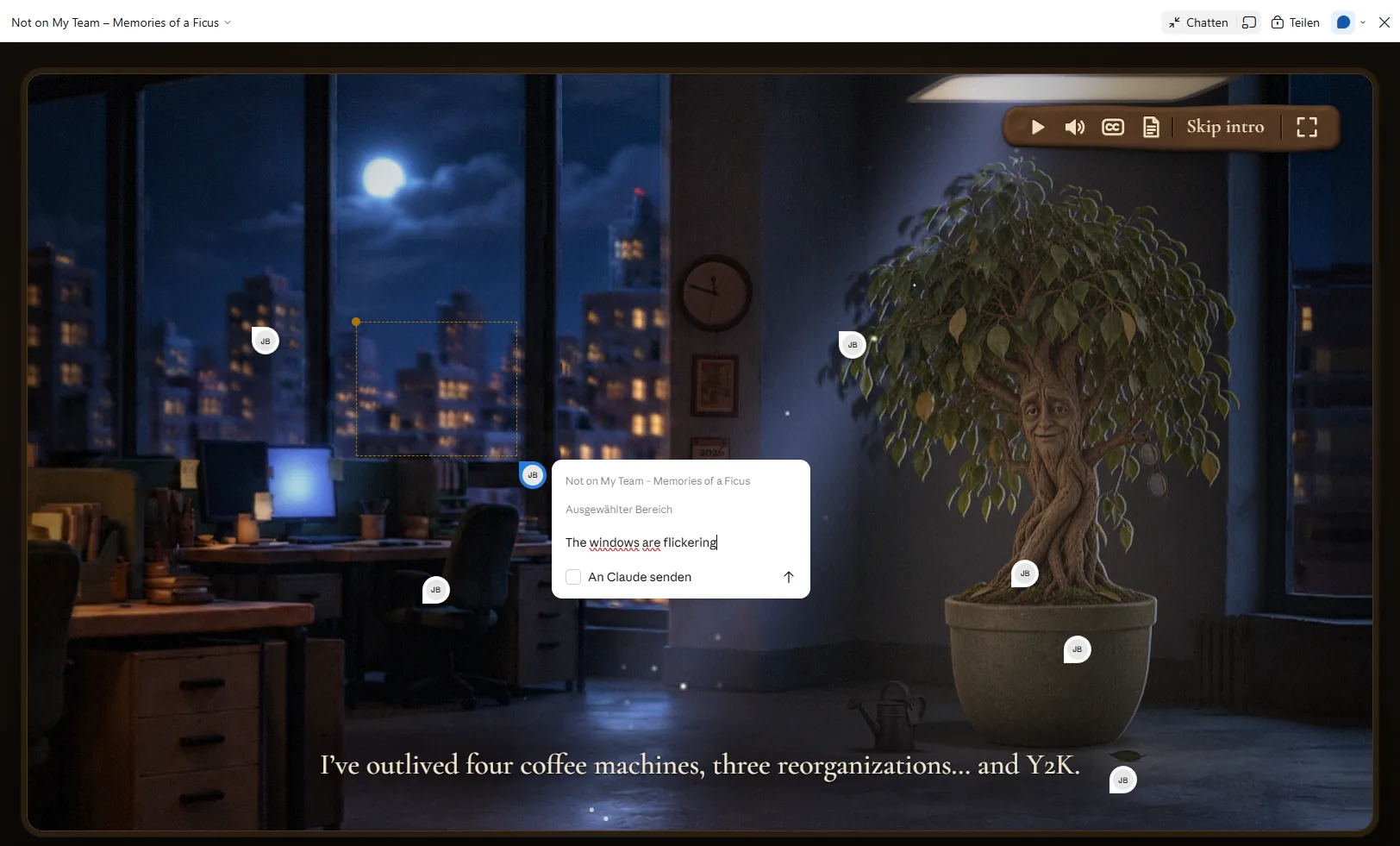

Behind every build there was a chat, and most of it happened on my phone. The Instructional Designer bot turned each voice note into a numbered list. I only replied with the numbers I disagreed with. Everything else went to Claude Code as a dated block of tasks, and each point stayed open until it was done.
The bot took on far more than notes. It checked every legal statement against eeoc.gov, made voice candidates in ElevenLabs for me to listen to, created images with ChatGPT and video clips with Grok, and handed the build tasks to Claude Code with clear acceptance criteria. Then it played through the course by itself, on desktop and in both phone formats, and came back with screenshots and errors.
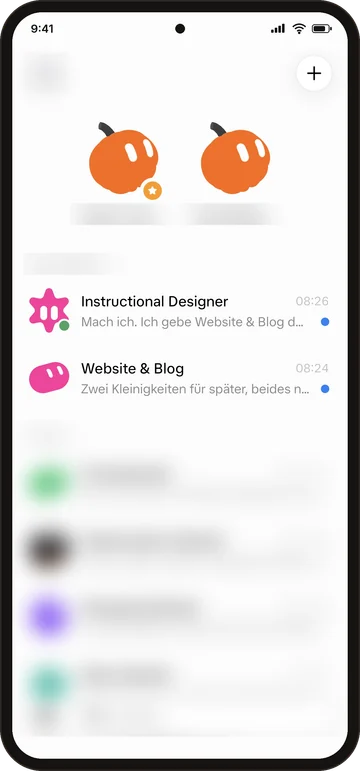
Two bots did the heavy lifting: one for the course, one for the website. The rest of my bots stay private. 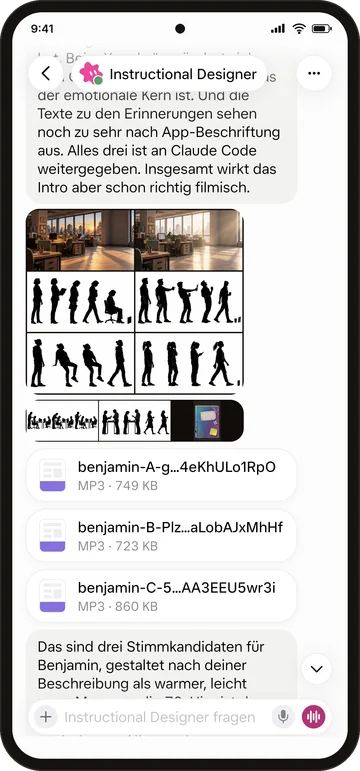
Storyboard frames and three voice candidates for Benjamin, ready for me to listen to. 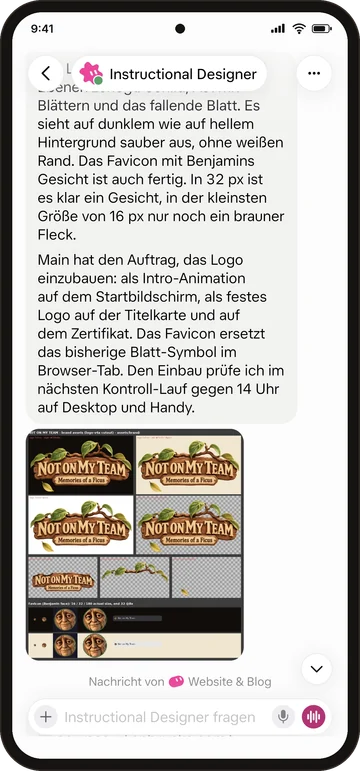
The logo and favicon, checked on dark and light backgrounds. At 16 px, Benjamin is just a brown spot.
Watching the bots iterate, test, and push hundreds of updates around the clock was fascinating. But it only worked because of that constant feedback loop.
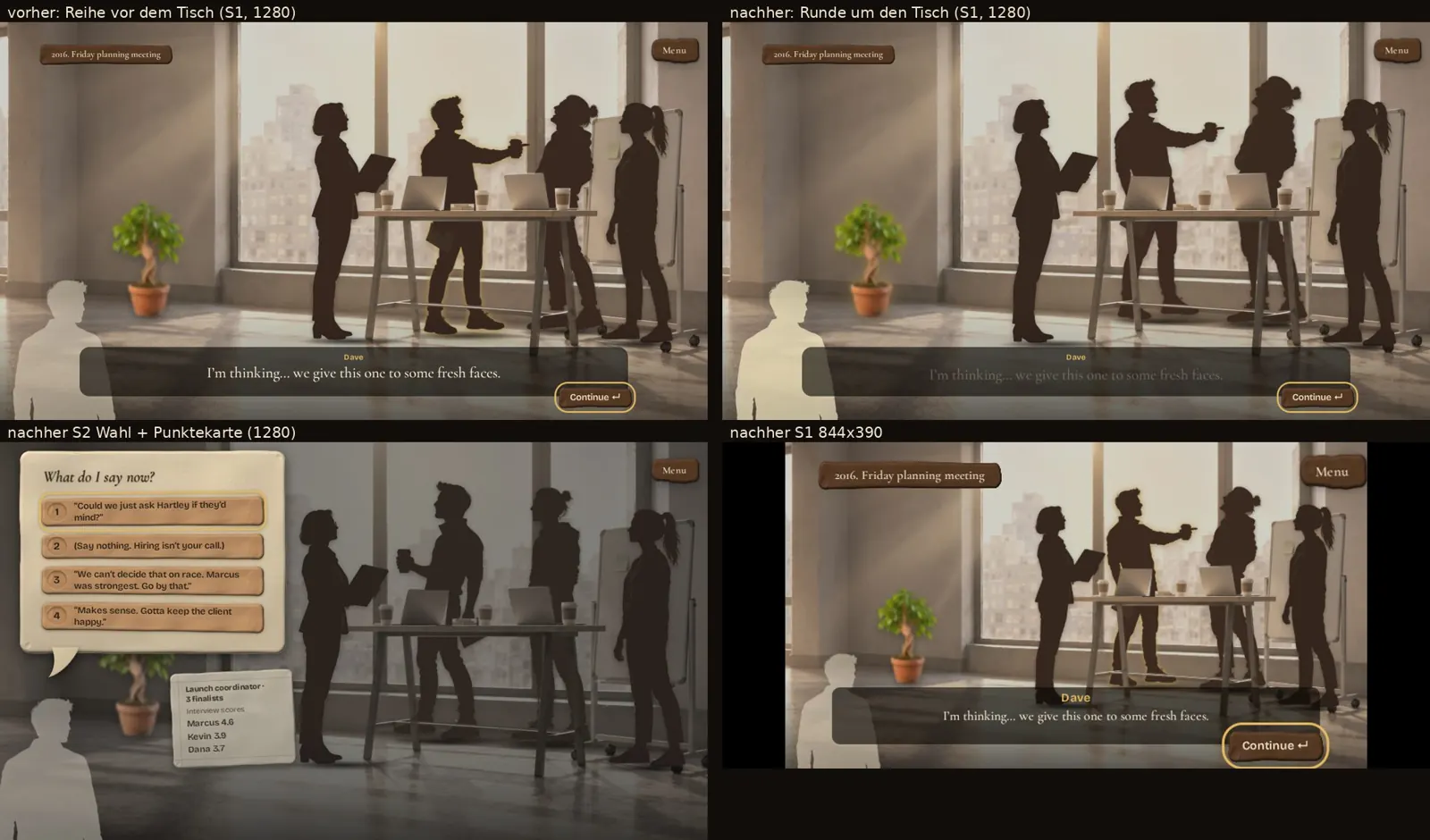
The final step went to a second bot. Each release landed in a folder with a version file. The Website & Blog bot pushed it, checked the live course and told me when it was up. On the last night alone, that happened eight times.
We kept iterating for two weeks and 25 rounds of feedback. Along the way, the usage limits hit and shut everything down for an entire weekend. A very honest reminder that even an automated setup has its ceilings.
What the bots didn’t see
Bots are fast, and they work around the clock. But they are not a director. They don’t have taste, and they don’t have empathy.
Every critical design decision still came from a human looking closely at the screen:
- A bot placed a human silhouette standing directly on a flipchart’s metal legs.
- An email inbox floated completely outside the old computer monitor.
- And worst of all: there were way too many repetitive “Continue” clicks between the moments that actually mattered.
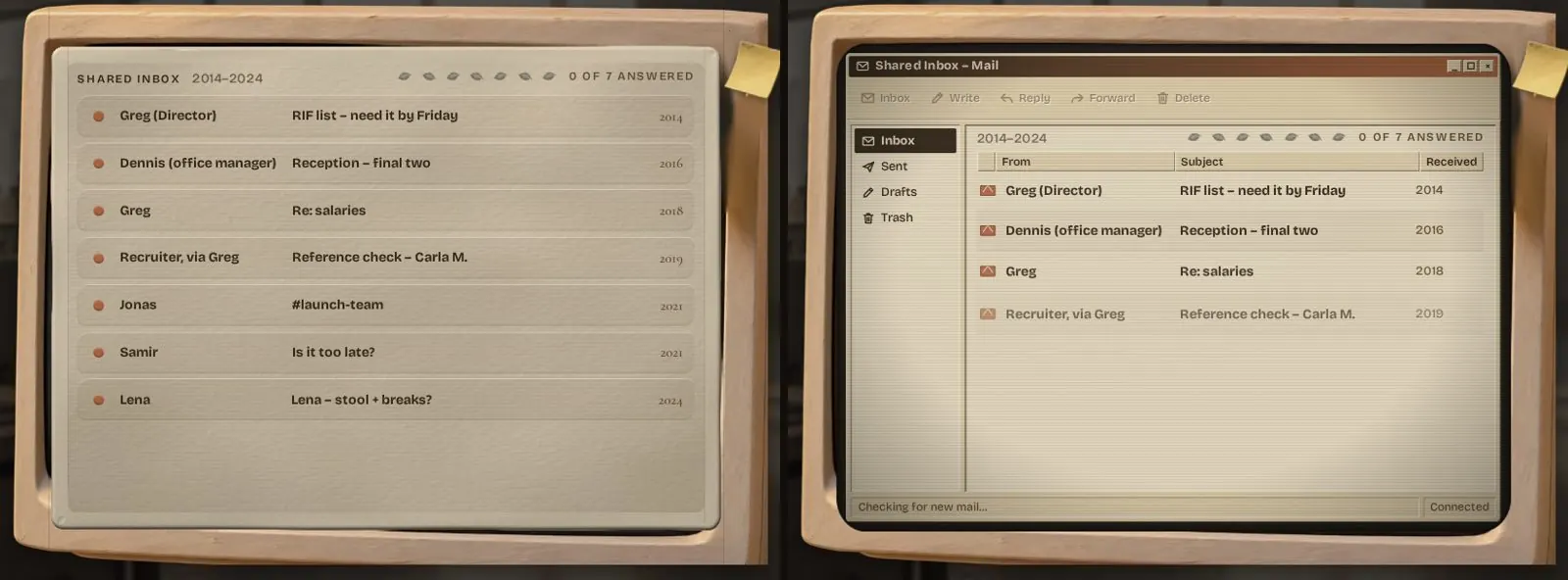
Screenshots and automated self-reviews missed all of it. A human looking at the actual experience caught it in seconds.
The takeaway

When building with AI becomes fast and accessible to anyone, the craft of L&D moves to what happens before you build.
A vague brief gives you Mark’s record-time course: polished slides that change nobody’s behavior. A clear instructional design gives you Benjamin: a story that makes people think, feel, and act differently.
The tools changed. The thinking didn’t.